
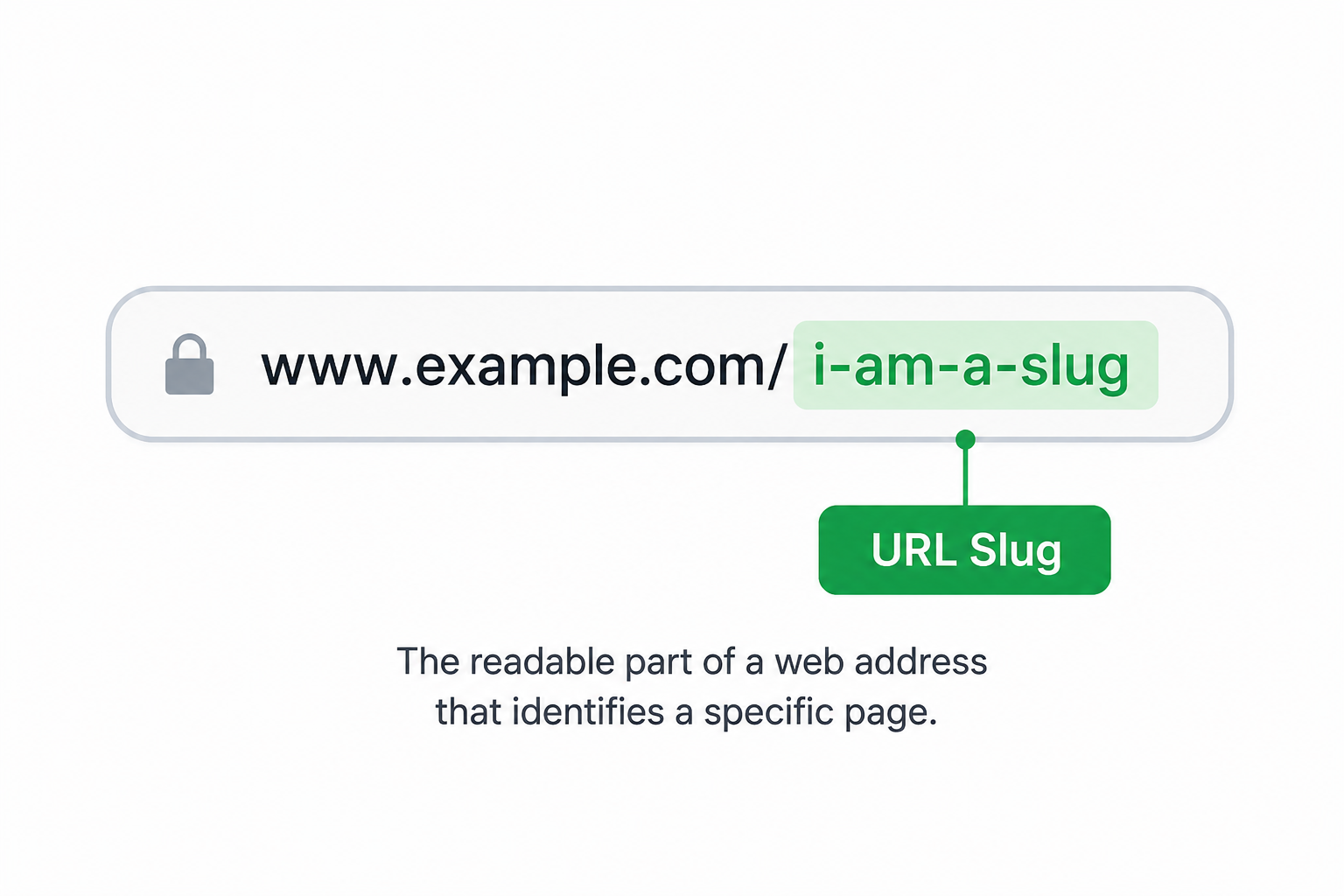
A URL slug is the readable part of a web address that appears after the domain name. It helps identify a specific page and makes URLs easier for users and search engines to understand.
For example, in the URL:
The slug is:
what-is-a-url-slug
These page identifiers are commonly used for blog posts, product pages, landing pages, category pages, and other website content.
Why Are URL Slugs Important?
Clean, descriptive page URLs make links easier to read, share, and understand. They also help organize website content and create a more professional appearance.
Compare the following examples:
| Good Example | Less Helpful Example |
|---|---|
| how-to-count-words | page123 |
| remove-line-breaks | article-98472 |
| best-home-gym-equipment | post?id=567 |
| title-case-vs-sentence-case | page-12-final-version |
The examples on the left immediately communicate what the page is about, while the examples on the right provide little context.
What Makes a Good URL Slug?
A well-structured page address is usually:
- Short and descriptive
- Easy to read
- Relevant to the page content
- Written in lowercase
- Separated with hyphens instead of spaces
- Free from unnecessary characters
The following table summarizes common best practices:
| Characteristic | Why It Helps |
| Short | Easier to read and share |
| Descriptive | Explains page content clearly |
| Lowercase | Maintains consistency |
| Hyphen-separated | Improves readability |
| Free of special characters | Creates cleaner links |
Examples
Here are a few examples of clean and readable page URLs:
- what-is-a-url-slug
- title-case-vs-sentence-case
- how-to-remove-line-breaks
- word-counter
- slug-generator
Each example clearly describes the content of the page while remaining concise and easy to understand.
Common Mistakes
Using Excessively Long Addresses
Long URLs can be difficult to read and share.
Example:
how-to-learn-everything-you-need-to-know-about-page-url-structure-for-beginners
Shorter versions are usually easier to manage.
Using Special Characters
Characters such as &, %, #, and ! should generally be removed.
Using Spaces
Spaces are not used in web addresses. Hyphens are the standard separator.
Good:
how-to-count-words
Less ideal:
how to count words
Using Random Numbers
Random numbers and symbols often provide little information about the content of a page.
Create Clean Page URLs Instantly
If you need a quick way to generate clean and readable page URLs, try our Slug Generator. It automatically converts titles and text into URL-friendly slugs by removing unsupported characters, converting text to lowercase, and replacing spaces with hyphens.
FAQs
A URL slug is the readable portion of a web address that appears after the domain name and identifies a specific page.
Most consist of lowercase words separated by hyphens.
Example:
my-awesome-blog-post
A Slug Generator helps create consistent, URL-friendly page addresses without manual formatting. It can save time when publishing blog posts, product pages, landing pages, and other website content.
Yes. Most websites use lowercase page URLs to maintain consistency and avoid potential formatting issues.
Hyphens are generally preferred because they improve readability and are widely used in website URLs.
Yes. Numbers can be included when they help describe the page content.
You can create one manually or use a Slug Generator to automatically convert titles and text into a clean, URL-friendly format.