
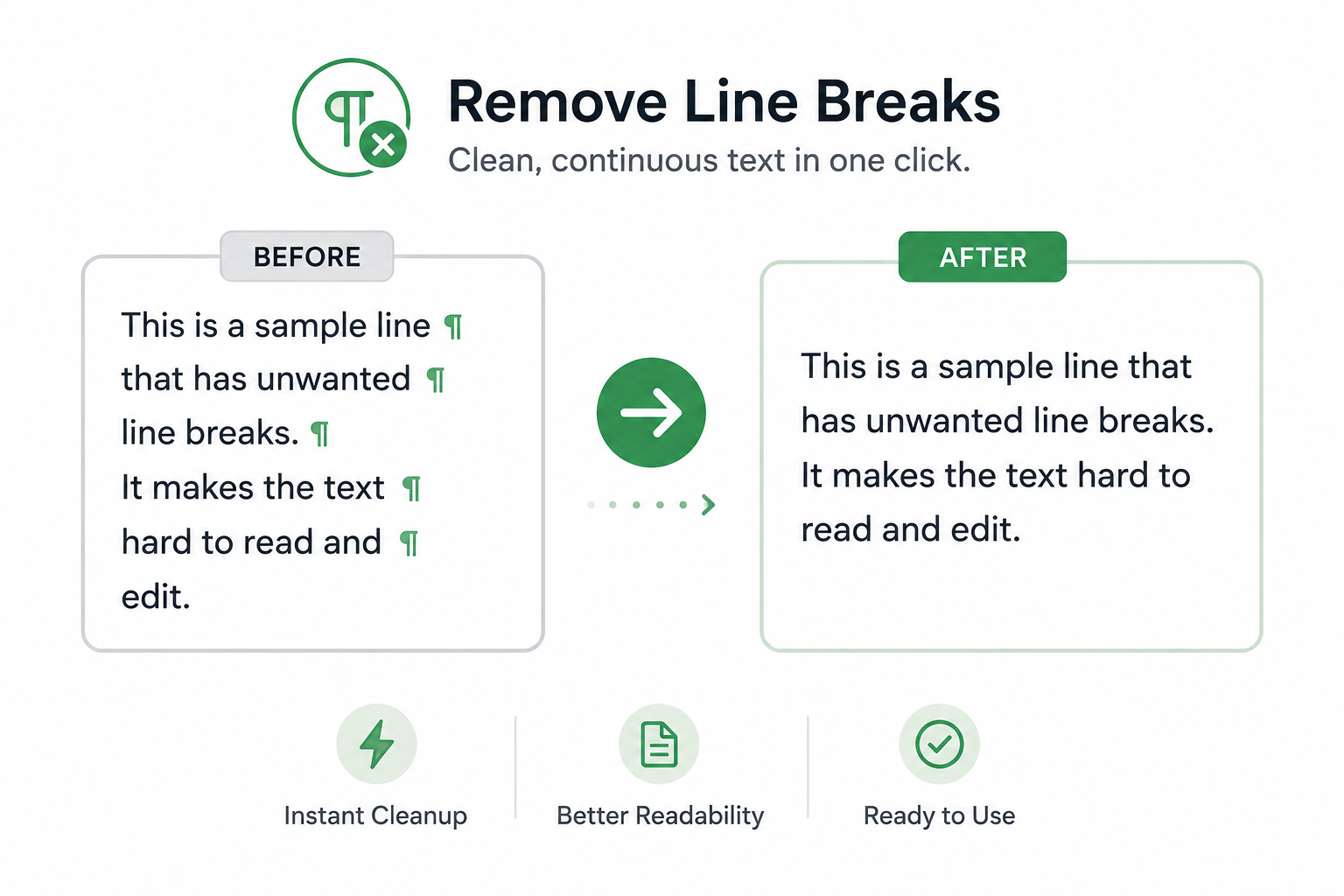
Line breaks can make copied text difficult to read, edit, and reuse. They commonly appear when content is copied from PDFs, emails, websites, reports, and other documents where text formatting does not transfer correctly.
If you’re wondering how to remove line breaks from text, there are several ways to clean up formatting and turn broken lines into a continuous paragraph. This can make content easier to edit, publish, share, and organize.
Why Line Breaks Appear
Line breaks are often introduced when content is copied from sources that use fixed formatting. While they help control layout in the original document, they can create problems when text is pasted elsewhere.
Common sources of unwanted line breaks include:
- PDF documents
- Emails and newsletters
- Website content
- Exported reports
- Spreadsheets
- Word processing documents
Common Formatting Issues
| Source | Common Problem |
|---|---|
| Line breaks appear after nearly every sentence | |
| Text wraps incorrectly when copied | |
| Website | Extra formatting is transferred with the text |
| Spreadsheet | Content is split across multiple rows |
| Exported Report | Irregular spacing and line breaks appear throughout the document |
How to Remove Line Breaks From Text
The exact method depends on the source of the content and the software you are using.
Remove Line Breaks Manually
For small amounts of text, you can manually delete unwanted breaks and join lines together.
This approach works for short passages but can become time-consuming when working with larger documents.
Use Find and Replace
Many text editors and word processors include a Find and Replace feature.
You can search for line breaks and replace them with spaces to quickly join multiple lines into a continuous paragraph.
This method is often useful when working with articles, reports, and copied document content.
Use a Remove Line Breaks Tool
A dedicated text cleanup tool can automatically remove unwanted line breaks while preserving the remaining content.
This is often the fastest option when working with large amounts of copied text because it eliminates the need for manual editing.
Benefits of Removing Line Breaks
Cleaning up unnecessary line breaks can provide several benefits:
| Benefit | Description |
| Better Readability | Text becomes easier to read and follow |
| Faster Editing | Less time spent fixing formatting issues |
| Cleaner Documents | Content appears more professional |
| Easier Publishing | Text is ready for websites, emails, and reports |
| Improved Organization | Information flows more naturally |
Common Mistakes
Removing Intended Paragraph Breaks
Not every line break should be removed.
Paragraph breaks often help organize content and improve readability. Removing all breaks without reviewing the text can create large blocks of difficult-to-read content.
Ignoring Extra Spaces
After joining lines, extra spaces may remain. Reviewing the text after cleanup can help ensure consistent formatting.
Editing Large Documents Manually
Manually removing hundreds of line breaks can be inefficient. Automated tools are often a faster and more reliable option.
Remove Line Breaks Instantly
If you regularly copy text from PDFs, emails, websites, or reports, our Remove Line Breaks tool can help clean up formatting in seconds. It automatically joins broken lines into continuous text, making content easier to edit, reuse, and publish.
FAQs
Line breaks are formatting characters that move text to a new line within a document, email, website, or other text-based content.
PDF files often use fixed layouts that insert line breaks based on page formatting. When copied, those breaks may transfer into the text.
Yes. A Remove Line Breaks tool removes unwanted line breaks while preserving the original words and punctuation.
Not always. Paragraph breaks are often useful for readability and organization. In many cases, only unwanted line breaks should be removed.
Many modern browser-based text tools process content locally, allowing text to be cleaned without being stored or transmitted.