
Sorting text alphabetically can make lists easier to read, organize, and manage. Whether you’re working with names, keywords, tags, URLs, product data, or notes, arranging entries in alphabetical order helps improve consistency and makes information easier to find.
If you’re wondering how to sort text alphabetically, there are several ways to organize content from A to Z or Z to A depending on the tools and software you use.
Why Sort Text Alphabetically?
Alphabetical sorting is one of the simplest ways to organize information. It creates a predictable structure that makes lists easier to review and maintain.
Common reasons to alphabetize text include:
- Organizing names and contact lists
- Sorting keywords and tags
- Managing product and inventory lists
- Reviewing exported reports
- Preparing data for spreadsheets
- Cleaning up large collections of information
- Standardizing content before publishing
Examples of Alphabetical Sorting
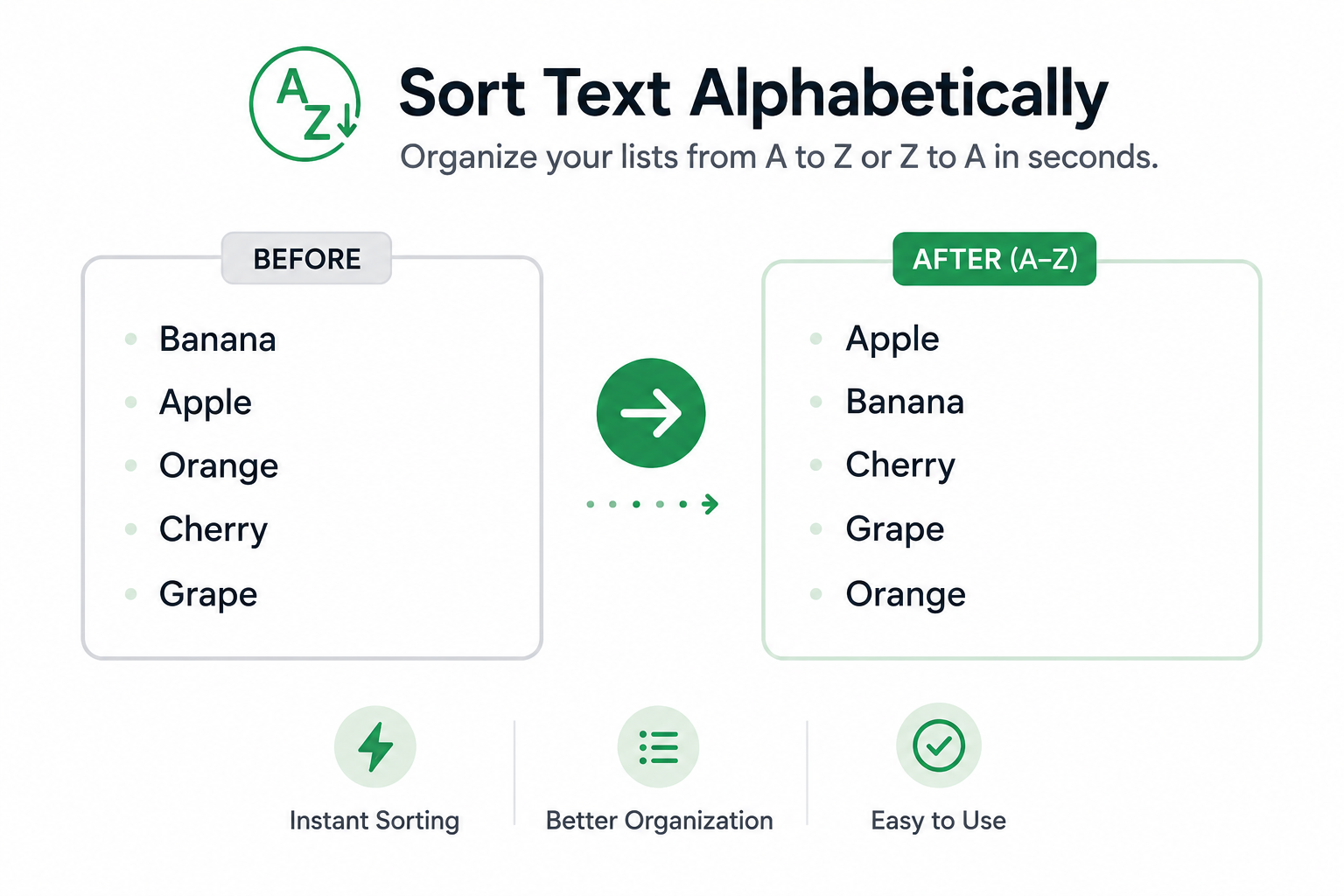
The following example shows how text can be organized from A to Z.
| Before | After (A–Z) |
|---|---|
| Banana | Apple |
| Apple | Banana |
| Orange | Cherry |
| Cherry | Orange |
Once sorted, entries become easier to scan and locate.
Methods for Sorting Text
There are several ways to alphabetize text depending on the amount of content you are working with.
Sort Text Manually
For short lists, you can manually rearrange entries into alphabetical order.
This method works well for a few items but becomes time-consuming as lists grow larger.
Use Spreadsheet Software
Many spreadsheet applications include built-in sorting features that can automatically organize rows and columns.
This is often useful when working with large datasets or inventory lists.
Use a Text Sorting Tool
A dedicated text sorting tool can instantly organize line-based text from A to Z or Z to A.
This approach is often the fastest option when working with keywords, tags, URLs, notes, and other text-based lists.
Benefits of Sorting Text
Organizing content alphabetically offers several advantages.
| Benefit | Description |
| Easier Navigation | Information is easier to locate |
| Improved Organization | Lists become more structured |
| Faster Review | Content can be scanned more efficiently |
| Better Consistency | Entries follow a standardized order |
| Reduced Manual Work | Large lists can be organized quickly |
Common Mistakes
Mixing Different Formats
Lists containing inconsistent formatting may not sort as expected. Standardizing entries before sorting can improve results.
Overlooking Duplicate Entries
Sorting helps organize content but does not automatically remove duplicate items. Reviewing lists after sorting can help identify repeated entries.
Editing Large Lists Manually
Manually reorganizing large collections of text can be slow and prone to errors. Automated sorting tools are often more efficient.
Sort Text Instantly
If you regularly work with names, keywords, tags, URLs, notes, or other line-based content, our Text Sorter tool can organize entries alphabetically in seconds. It quickly sorts text from A to Z or Z to A, helping create cleaner and more organized lists.
FAQs
Sorting text alphabetically means arranging entries according to the order of the alphabet, typically from A to Z or Z to A.
Most line-based content can be sorted, including names, keywords, tags, URLs, product lists, notes, and other text entries.
Yes. Many sorting tools allow text to be organized from Z to A as well as A to Z.
No. Sorting changes the order of entries but does not modify the content itself.
Yes. Sorting can make large collections of information easier to review, search, and manage.