
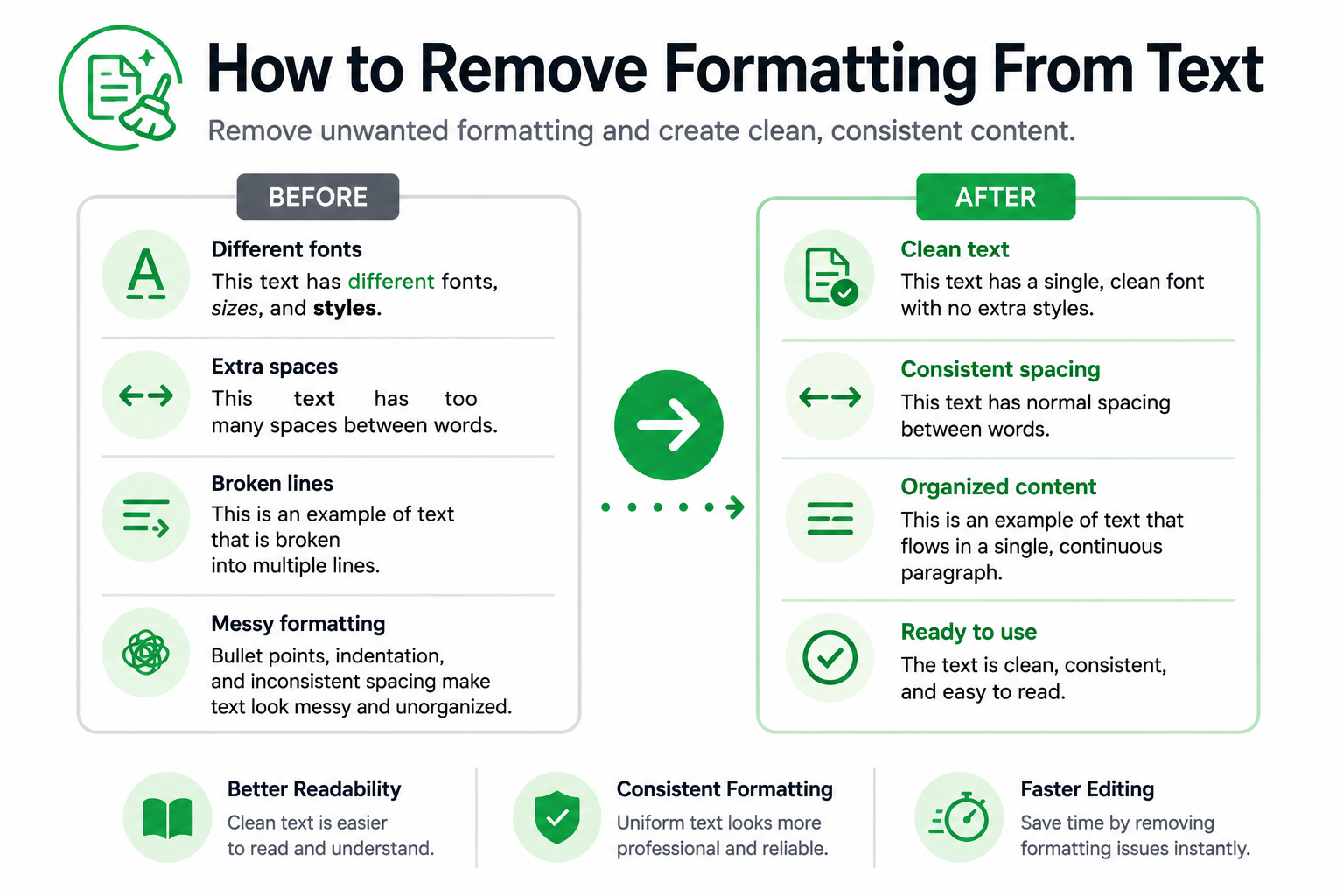
Copied text does not always look the way you expect. Content pasted from websites, PDFs, emails, documents, and spreadsheets often carries unwanted formatting that can affect readability, consistency, and appearance.
If you’re wondering how to remove formatting from text, there are several simple methods that can help clean up content and create a more consistent result. Removing unwanted formatting can make text easier to edit, organize, and reuse across different platforms.
Why Formatting Problems Occur
Formatting issues commonly appear when text is copied from one application and pasted into another.
Different platforms use different styles, fonts, spacing rules, and formatting structures. When content is transferred between systems, those formatting elements may come along with the text.
Common sources of formatting problems include:
- Websites
- PDF files
- Emails
- Word processing documents
- Spreadsheets
- Reports and exported files
Common Formatting Issues
Formatting problems can appear in several ways.
| Formatting Issue | Example |
|---|---|
| Unwanted line breaks | Text appears on multiple short lines |
| Extra spaces | Large gaps appear between words |
| Empty lines | Blank lines interrupt content |
| Inconsistent spacing | Paragraphs appear uneven |
| Duplicate entries | Repeated lines appear in lists |
| Mixed formatting | Content appears inconsistent after pasting |
Identifying the problem is often the first step toward creating cleaner content.
Methods for Removing Formatting
The best method depends on the type of formatting issue you are trying to fix.
Remove Unwanted Line Breaks
Text copied from PDFs and emails often contains unnecessary line breaks. Our Remove Line Breaks tool can help convert fragmented content into continuous paragraphs.
Remove Empty Lines
Blank lines can make content appear disorganized. Removing unnecessary empty lines creates a cleaner structure.
Remove Extra Spaces
Multiple spaces between words can affect readability and consistency. The Remove Extra Spaces tool helps create cleaner and more professional-looking content.
Reorganize Lists
Sorting and organizing text can improve readability and make information easier to review.
Use Text Cleanup Tools
Specialized text cleanup tools can automatically remove common formatting issues and help prepare content for editing, publishing, and sharing.
Benefits of Removing Formatting
Cleaning up formatting offers several advantages.
| Benefit | Description |
| Better Readability | Content becomes easier to read |
| Improved Consistency | Formatting remains uniform |
| Faster Editing | Less time spent fixing problems |
| Easier Publishing | Content is ready for use sooner |
| Professional Appearance | Documents look cleaner and more organized |
Even small formatting issues can create unnecessary work when left unaddressed.
Common Mistakes
Leaving Hidden Formatting Behind
Some formatting issues are not immediately visible but can still affect the appearance of content after publication.
Fixing Problems Manually
Manual cleanup may work for short passages but can become inefficient for larger documents.
Removing Useful Structure
Not every line break or paragraph break should be removed. Preserving meaningful organization helps maintain readability.
Remove Formatting From Text Quickly
If you regularly copy content from websites, PDFs, emails, documents, or spreadsheets, removing unwanted formatting can save time and improve consistency. Using text cleanup tools can help create cleaner, easier-to-read content that is ready for editing, publishing, and sharing.
FAQs
Removing formatting means eliminating unwanted spacing, line breaks, and other formatting elements while preserving the underlying text.
Different applications use different formatting rules. When content is copied between platforms, formatting can sometimes transfer along with the text.
Yes. Extra spaces, unnecessary line breaks, and inconsistent formatting can make content more difficult to read and edit.
Common examples include extra spaces, empty lines, unwanted line breaks, duplicate entries, and other formatting inconsistencies.
Yes. Modern text cleanup tools can process large blocks of content much faster than manual editing.