
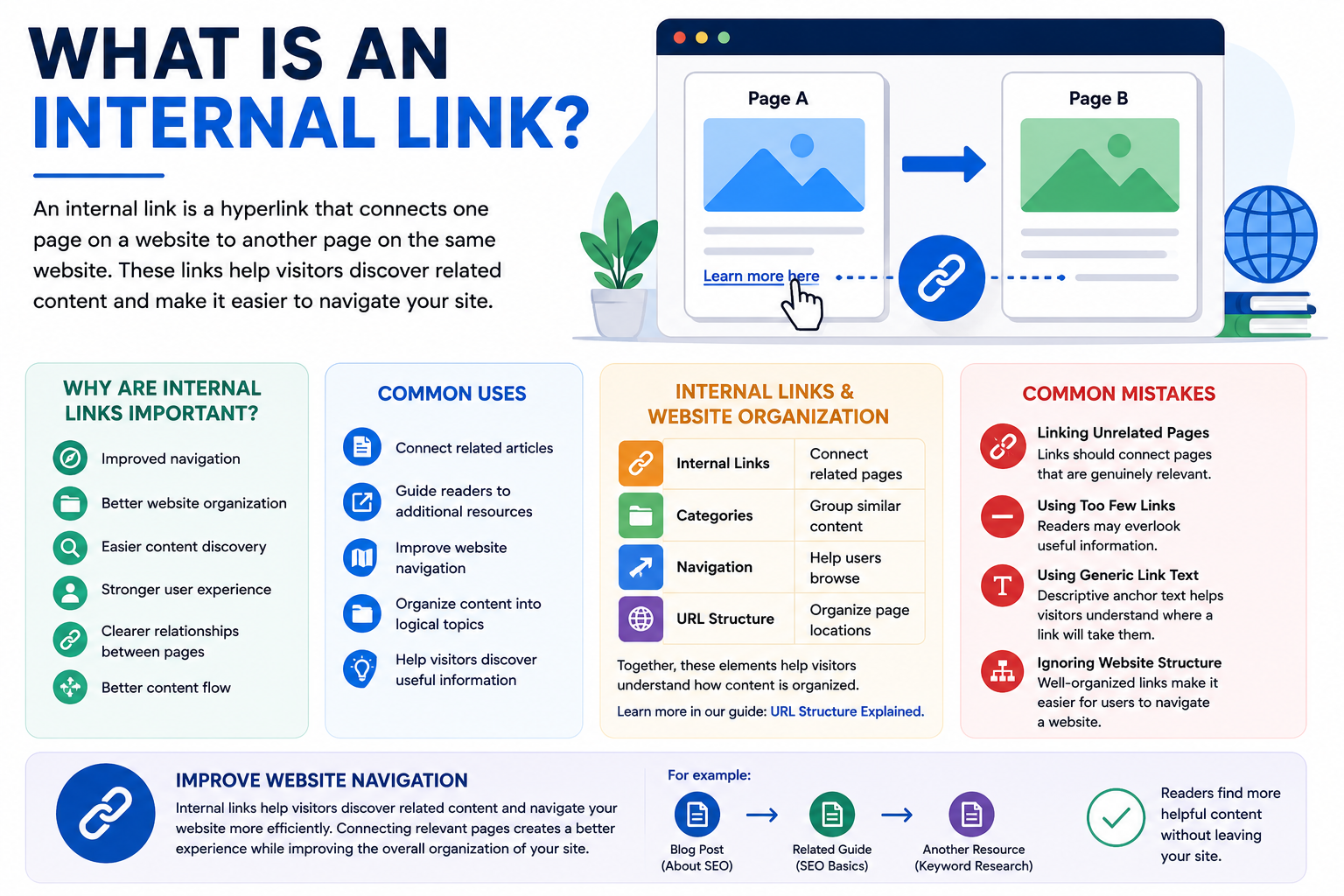
An internal link is a hyperlink that connects one page on a website to another page on the same website. These links help visitors discover related content while making it easier to navigate information across a site.
Whether you’re managing a blog, business website, online store, or resource site, internal links can improve organization, usability, and the overall user experience.
Why Are Internal Links Important?
Internal links help connect related pages and guide visitors through a website.
Benefits of internal links include:
- Improved navigation
- Better website organization
- Easier content discovery
- Stronger user experience
- Clearer relationships between pages
- Better content flow
As a result, readers can explore related topics more easily and find helpful information with fewer clicks.
How Does an Internal Link Work?
An internal link directs users from one page on your website to another page within the same domain.
For example:
- A readability guide links to a paragraph structure article.
- A URL structure article links to a guide about URL slugs.
- A formatting guide links to a readability article.
These connections help readers continue learning about related subjects.
Common Uses for Internal Links
Website owners often use internal links to:
- Connect related articles
- Guide readers to additional resources
- Improve website navigation
- Organize content into logical topics
- Help visitors discover useful information
Thoughtful linking creates a more connected website.
Internal Links and Website Organization
Internal links work alongside headings, categories, and navigation menus to create a well-organized website.
| Element | Purpose |
|---|---|
| Internal Links | Connect related pages |
| Categories | Group similar content |
| Navigation | Help users browse |
| URL Structure | Organize page locations |
Together, these elements help visitors understand how content is organized.
Learn more in our guide: URL Structure Explained.
Common Mistakes
Linking Unrelated Pages
Links should connect pages that are genuinely relevant.
Using Too Few Links
Without enough internal links, readers may overlook useful information.
Using Generic Link Text
Descriptive anchor text helps visitors understand where a link will take them.
Ignoring Website Structure
Well-organized links make it easier for users to navigate a website.
Improve Website Navigation
Whether you’re creating articles, tutorials, product pages, or resource guides, internal links help visitors discover related content and navigate your website more efficiently. Connecting relevant pages creates a better experience while improving the overall organization of your site.
FAQs
An internal link is a hyperlink that connects one page on a website to another page on the same website.
They help users discover related content, improve navigation, and organize information more effectively.
Internal links connect pages on the same website, while external links point to pages on different websites.
There is no fixed number. Use enough relevant links to help readers discover additional information naturally.
Yes. Internal links make websites easier to navigate and help visitors find related content more efficiently.