
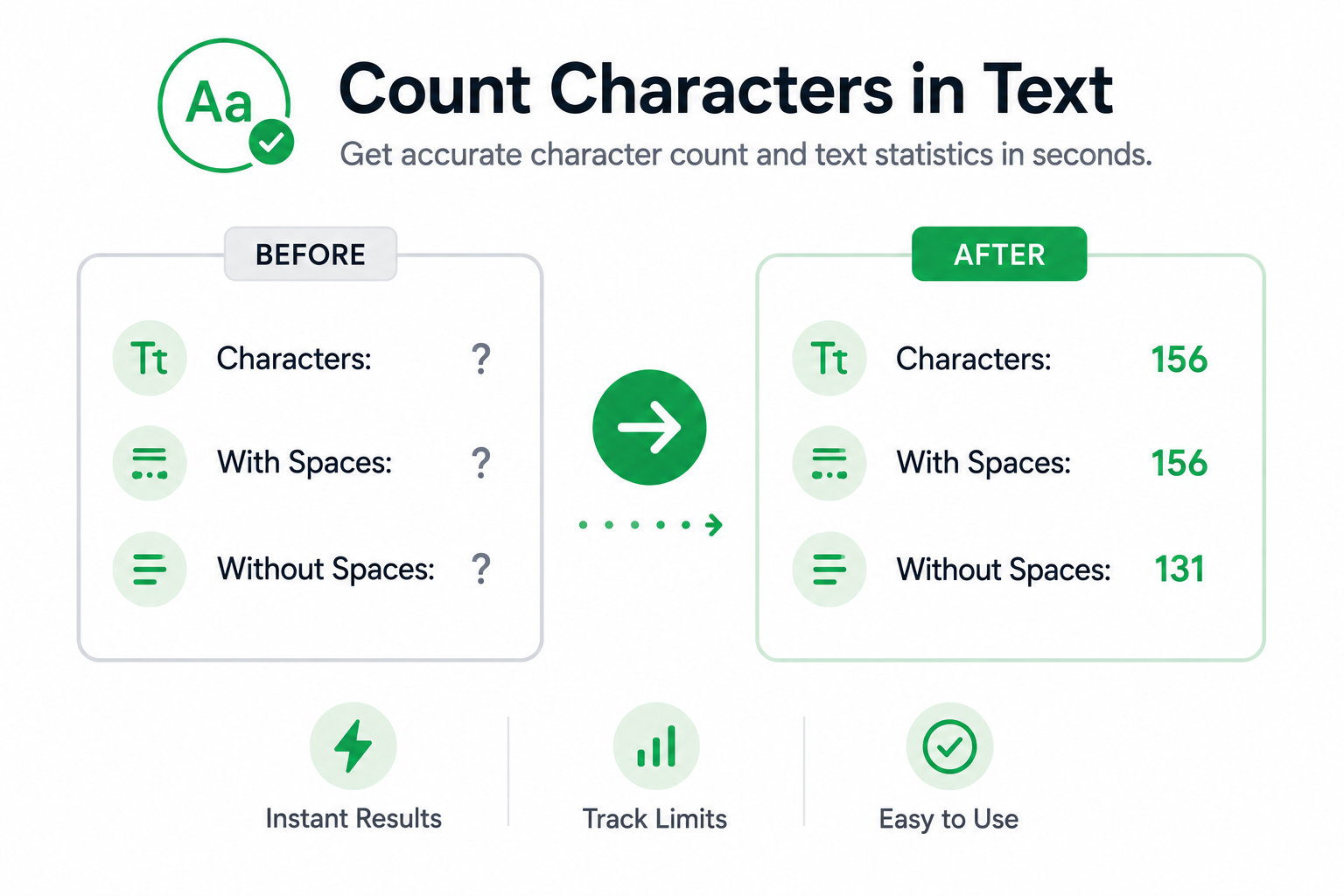
Character count is often used when content must fit within specific length limits. Whether you’re writing a social media post, meta description, advertisement, form submission, email, or website content, knowing the number of characters can help ensure your text fits the available space.
If you’re wondering how to count characters in text, there are several simple methods that can help measure content length accurately and efficiently.
Why Count Characters?
Character count provides a more precise measurement of text length than word count alone.
Common reasons for counting characters include:
- Writing social media posts
- Creating meta descriptions
- Completing online forms
- Preparing advertisements
- Formatting website content
- Meeting platform requirements
- Reviewing content before publishing
Common Character Limits
Many platforms use character limits rather than word limits.
| Content Type | Typical Character Limit |
|---|---|
| Meta Description | Around 150–160 characters |
| Social Media Post | Varies by platform |
| Form Fields | Often limited |
| Ad Headlines | Frequently restricted |
| Product Listings | May have maximum lengths |
| Website Elements | Depends on platform requirements |
Character limits vary by platform and use case.
Methods for Counting Characters
There are several ways to measure the number of characters in a block of text.
Count Characters Manually
For very short text, characters can be counted manually.
However, this quickly becomes impractical as content grows longer.
Use Built-In Software Features
Some writing applications include character counting features that automatically calculate text statistics.
This can be useful when editing documents or preparing content for publication.
Use a Character Counter
A dedicated character counting tool can instantly calculate characters, characters without spaces, words, and other text statistics.
This is often the fastest and most accurate method.
Benefits of Character Counting
Monitoring character count can help improve content quality and ensure compliance with length requirements.
| Benefit | Description |
| Better Accuracy | Measures exact content length |
| Requirement Tracking | Helps meet platform limits |
| Faster Editing | Reduces guesswork during revisions |
| Improved Publishing | Prevents content from being cut off |
| Better Organization | Helps structure content effectively |
Common Mistakes
Confusing Words With Characters
Word count and character count measure different aspects of content. A short sentence may contain many characters, while a longer sentence may contain fewer.
Ignoring Spaces
Some platforms count spaces while others focus on character count without spaces.
Waiting Until the End
Checking character count only after writing can lead to unnecessary editing. Monitoring length during the writing process can save time.
Count Characters Instantly
If you regularly write social media posts, meta descriptions, advertisements, emails, or website content, our Character Counter can instantly calculate characters, words, sentences, and paragraphs. It provides real-time statistics that help you manage content length more effectively.
FAQs
Character count is the total number of letters, numbers, spaces, punctuation marks, and symbols contained within a block of text.
Character count helps ensure content fits within platform requirements and available space.
In most cases, yes. Many counting tools provide totals with and without spaces.
Yes. Modern character counting tools can instantly analyze both short and long pieces of text.
Yes. Many tools also provide word count, sentence count, and paragraph count statistics.